Every article on your website is the result of hours of research, writing, editing and choosing images. Yet most articles live a short life: read in the first few weeks, then left in the archive. Meanwhile, the audience for podcasts and audiobooks keeps growing, and listeners are looking for content with real depth. This article is about turning what you have already written into audio and podcast episodes, so each article gains another channel without starting from scratch.
Your written content is a sleeping asset
Look back at your archive. There are guides that are still correct years later, analyses that new customers still need, brand stories about the people and values behind the business. All of them have value, but they only serve people who have time to sit and read.
Converting text to audio wakes that asset up. You do not write a single extra word, yet the same content now reaches people who are driving, working out or simply prefer listening. One article becomes two products: a version to read and a version to hear.
For a business, this also matters for the brand. When a customer listens to your content in their earphones for ten minutes, the engagement is on a completely different level from a glance at a headline.
From article to podcast episode
Podcasting used to mean buying a microphone, finding a quiet room, recording, editing, exporting and uploading to each platform. Every episode took hours, and most small businesses stopped after a few.
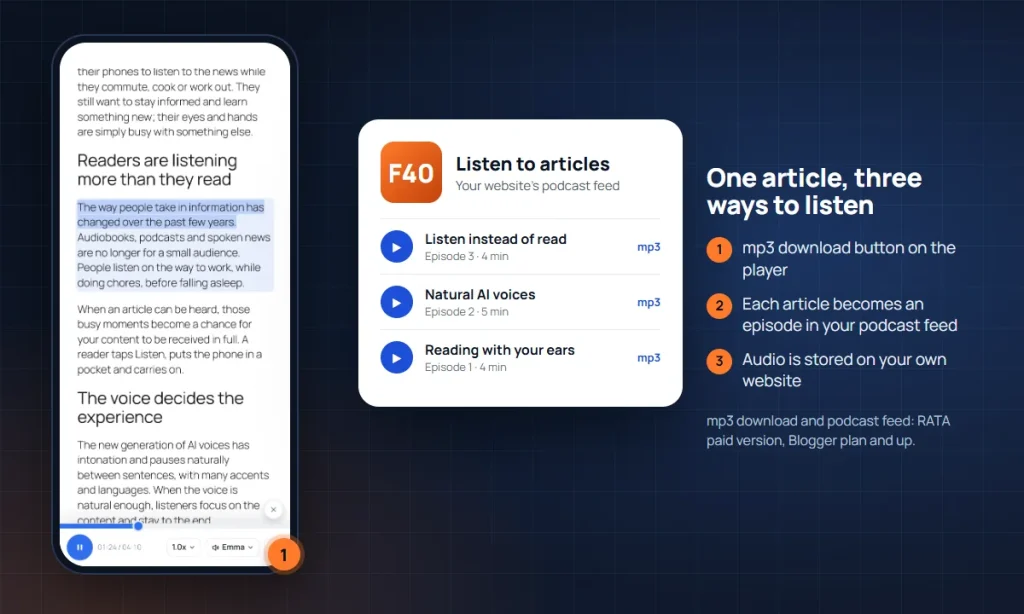
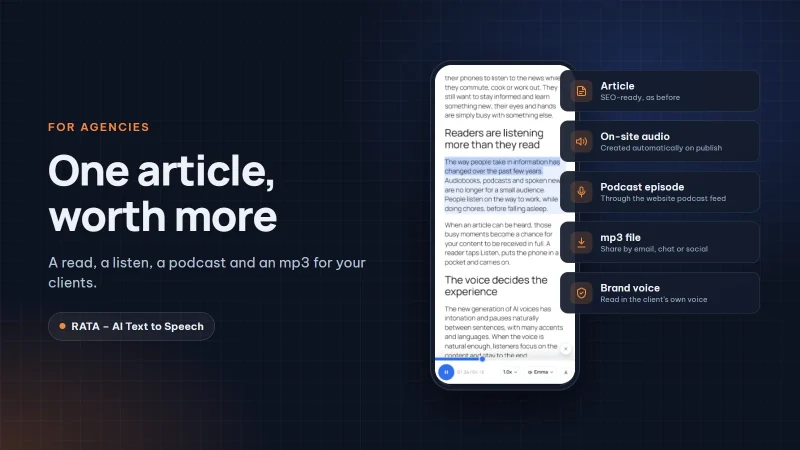
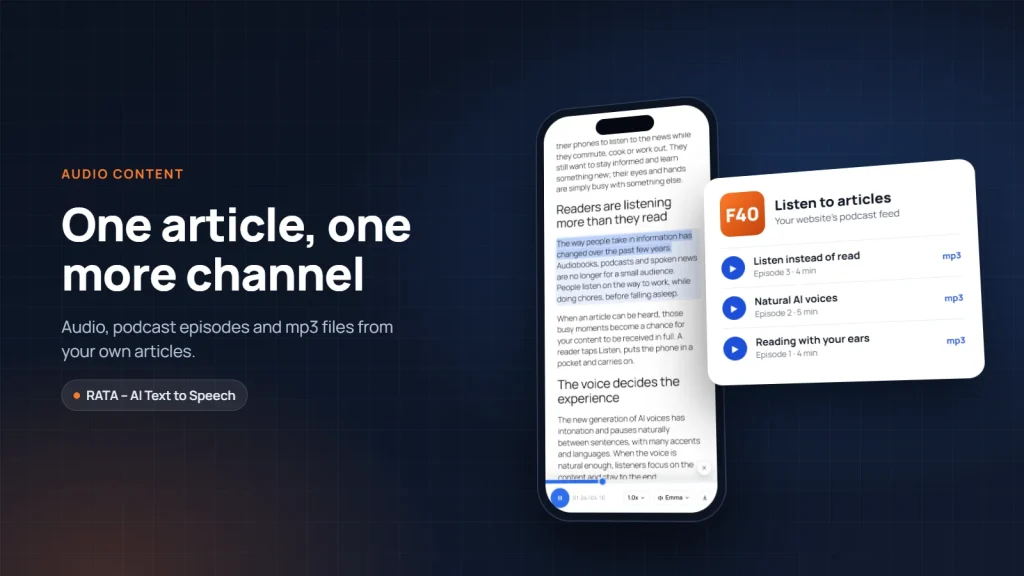
With the paid version of RATA, that process shrinks to one step: publishing your article. When you publish a new article, RATA creates the audio automatically in a natural AI voice. Each article becomes an episode in your website’s podcast feed, so listeners can subscribe in their usual podcast app and receive new episodes when you publish. Next to the player there is also an mp3 download button, so listeners can take the article with them when they are offline.
These features are available from the Blogger plan. If you have a large archive, the Business plan adds bulk audio creation for many articles at once, along with an audio library to manage all your audio in one place.
No studio, no voice actor
The biggest barrier to audio content is usually people: who will read, when, and will it sound good. Good readers are busy, available people may not read well, and hiring professional voices gets expensive as the number of articles grows.
Natural AI voices remove that barrier. They have intonation, pause naturally, pronounce words correctly and come in different accents so you can choose one that suits your listeners. The hundredth article is read as clearly as the first. RATA uses voices from Vbee AIVoice, a service with natural voices in Vietnamese, English and many other languages, through your own Vbee account.
If you want your content to carry an even more personal mark, you can use a cloned version of your own voice. We cover that in A brand voice for your website.
Editing an article does not mean recording again
A familiar worry for content makers is audio going out of date. You update a figure or add a paragraph, and the old recording no longer matches. Recording the whole article again for one sentence is far too much work.
RATA handles this neatly: when you edit an article, only the paragraphs you changed are read again, and the rest stays as it is. The audio always matches the latest content, and you only pay for the text that actually changed. This is included in the free version.
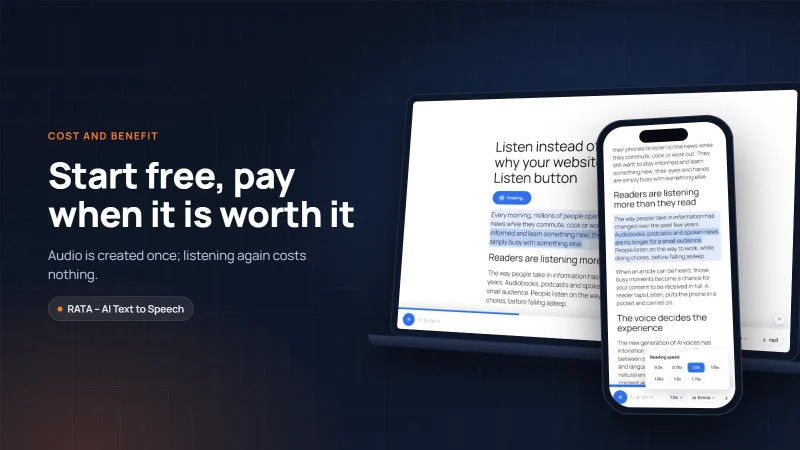
The audio is stored on your own website, not on someone else’s platform. However many times readers listen, there is no extra cost for creating the voice.
Write once, good for readers and listeners
When an article will be listened to, the way you write should change a little. The good news is that these changes make the article better for readers too.
Start with a short opening that says clearly what the article is about. Listeners cannot scroll to the end to see what is coming the way readers can, so they need to know from the start that the article is worth hearing.
Write short sentences, one idea each. A long sentence with many clauses can make listeners forget the subject they heard at the start. Split it in two, and the voice has room to pause and the listener has time to follow.
Keep symbols to a minimum. Multiplication signs, arrows and slashes look tidy on screen but sound strange when read aloud. Write them as words, such as “or”, “leads to” or “percent”, and the audio flows much better.
Bring the main point of tables and images into the text. When the article is read, tables and image captions are replaced by a short lead in sentence. If an important figure lives in a table, repeat it in a sentence just before the table.
Finally, teach the voice your own words. Brand names, product names and industry terms only need to be added to the pronunciation dictionary once. See Pronunciation dictionary and sentences read instead of tables and images.
The series you are reading was written following these same principles, so it can be heard in full with the Listen button at the top of the page.
Conclusion
Converting text to audio is not about taking on a new job; it is about letting the content you already have travel further. With a natural AI voice, each article can become audio on your website, an episode in a podcast app and an mp3 file in a listener’s pocket, without a studio or a voice actor. See the RATA plans on the product page, or start with the free version. In the next article we look at brand voices: when your website reads every article in your own voice.
Frequently asked questions
Question 1. Can the free version create audio with an AI voice?
Yes. The free version creates AI audio with Vbee voices for each article when you choose to create it in the admin. Automatic audio on publishing, the podcast feed and the mp3 download button are features of the paid version.
Question 2. Where is the audio stored?
The audio is downloaded and stored in the uploads folder of your own WordPress website, so you stay fully in control.
Question 3. Can listeners download an mp3 file?
Yes, from the Blogger plan. The mp3 download button sits right next to the player.
Question 4. I have many older articles. Do I have to create audio one by one?
Not necessarily. The Business plan lets you create audio for many articles at once. You can set a monthly Vbee points limit to keep costs under control, as explained in Queue, log and Vbee points control.
Links to Vbee in this article carry RATA’s referral code; RATA may earn a commission at no extra cost to you. “Vbee” and “Vbee AIVoice” are trademarks of Vbee AITalk. RATA is independent software developed by Fox40.