When we write for a website, we tend to picture the reader sitting in front of a screen with enough time and good enough eyesight to read from start to finish. In reality, many of the people who visit your site are not in that situation. Some are over sixty, and small text on a phone is a real challenge. Some are cooking, driving or holding a child. Some read slowly and lose focus after a long paragraph. This article is about those readers, and how a Listen button lets them have your website read aloud right on the page.
Who struggles to read your website
The first group is older readers. Eyesight weakens with age, and zooming in on a phone often breaks the page layout. Many older readers care a great deal about health, finance and news, yet give up halfway because reading is so tiring.
The second group is people who find long text hard. Some are not used to reading, some have difficulty following lines of text, and some simply take things in better by ear than by eye. For them, a two thousand word article is a wall, while a five minute listen is a conversation.
The third group is busy people, and it is the largest. Office workers catching up on the way to work, business owners using their lunch break, parents listening to the news while they cook. They are not short of interest, only short of free eyes.
The fourth group is people reading on a phone while on the move. Small screens, bright sunlight and a shaking bus make reading both hard and unsafe.
How listening helps them
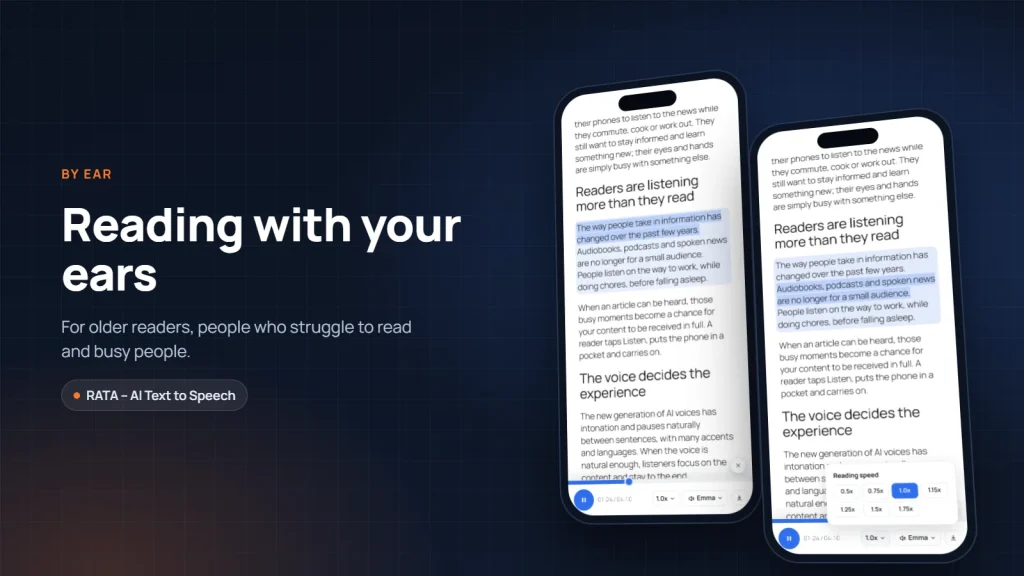
Most importantly, listeners are in control. They choose the reading speed: older readers can slow it down to hear clearly, busy readers can speed it up to save time. The chosen speed is remembered for next time, so they do not have to set it again.
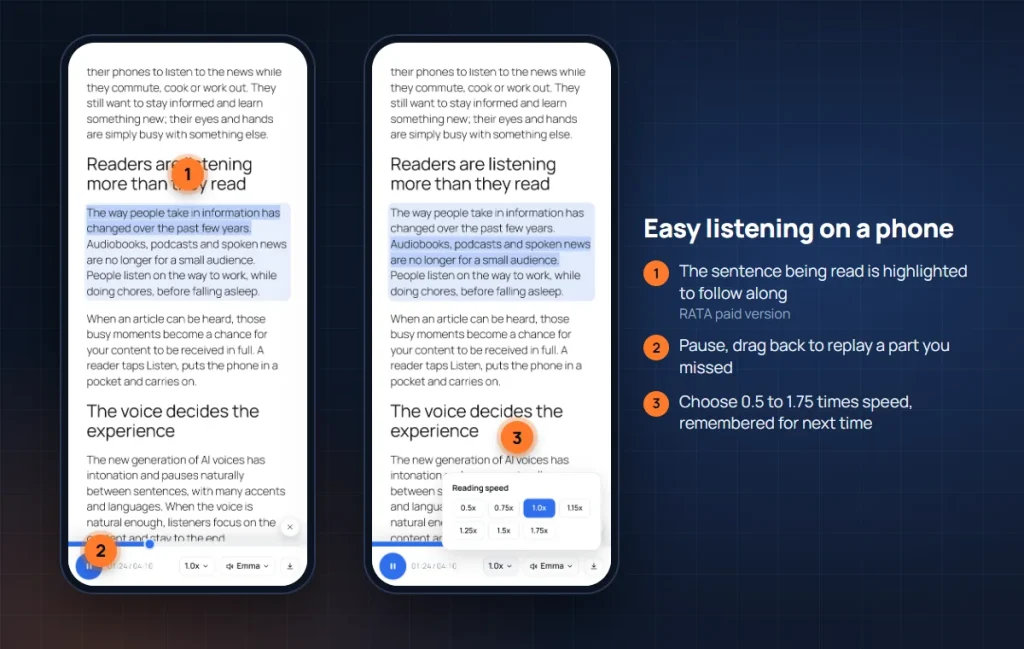
Listeners can also drag the time bar to replay a part they missed or skip what they already know. Readers do this instinctively with their eyes, and a good Listen button should let listeners do the same.
With the paid version of RATA, the sentence being read is also highlighted on the page. Listeners can follow along with their eyes, like reading a book while someone reads it aloud. For older readers and people who struggle to read, this small detail keeps them from getting lost and makes it easy to return to where they stopped.
And it all happens right on the page. No app to install, no copying text into another tool, no account to create. They tap Listen, and that is it.
Accessibility is part of your reputation
A website that older readers, people with weak eyesight and people who struggle to read can still use sends a clear message: this business thinks about every reader. For sectors that serve the general public, such as healthcare, education, insurance, banking and public services, this matters even more.
Blind readers usually rely on dedicated screen reader software, and websites should be built so those tools work well. A Listen button does not replace that, but it adds a simple option for people with low vision who are not used to specialist software. Instead of learning a new tool, they only need to tap a familiar button.
The voice itself is another plus. Older listeners are especially sensitive to harsh machine voices. A natural AI voice with correct pronunciation and a familiar accent lets them listen comfortably, like hearing a relative read the paper. We covered this in detail in Natural AI voices that sound human.
Keep the experience light for everyone
A common concern is whether a Listen button bothers people who prefer to read. It does not, if it is placed well. The RATA player is small, sits at the top of the article and only plays when a reader taps it. People who like reading carry on reading; people who need to listen have the option right there.
You also do not need the Listen button everywhere. You could enable it only for news, for long guides, or for pages that older readers visit often. On phones, you can choose to hide the player if you want a very clean layout. See Player display: position, post types, categories.
Even when an article does not yet have AI audio, readers can still listen with the voice built into their own browser. Nobody taps Listen and finds a button that does nothing.
Write so listeners can follow
A Listen button helps readers reach the article, but the writing decides whether they understand it fully. A few small habits make an article much easier to listen to, and easier to read for everyone.
The first habit is short sentences. A long sentence with many clauses is manageable on the page, but easy to lose by ear. One idea per sentence is enough.
The second habit is clear headings for each section. When listening, headings are signposts that tell listeners where the article is. The voice pauses briefly after each heading, so the clearer the heading, the easier it is to follow.
The third habit is writing numbers and symbols as words where you can. A multiplication sign or an arrow looks neat on screen but is hard to understand when read aloud. Write “doubles” instead of a symbol, and listeners get it immediately.
The fourth habit is not hiding important information in tables or image captions. When the article is read, those parts are replaced by a short lead in sentence. Put the main point of a table into a sentence in the paragraph just above it, so listeners do not miss it.
These habits do not only help listeners. Clear writing with short sentences and well ordered ideas is easier to read with the eyes too, and search engines value it more.
Conclusion
Having text read aloud is not a feature for a small minority. It is how older readers, people who struggle to read, busy people and people on the move can all take in the content you worked hard to write. A small Listen button at the top of an article can significantly widen the number of people who actually receive your message. Try RATA – AI Text to Speech on your website. In the next article we switch to the content maker’s side: how one article can become an audio version and a podcast episode.
Frequently asked questions
Question 1. Can listeners change the reading speed?
Yes. Listeners choose a speed right on the player, and their choice is remembered for later visits on the same device.
Question 2. Is sentence highlighting included in the free version?
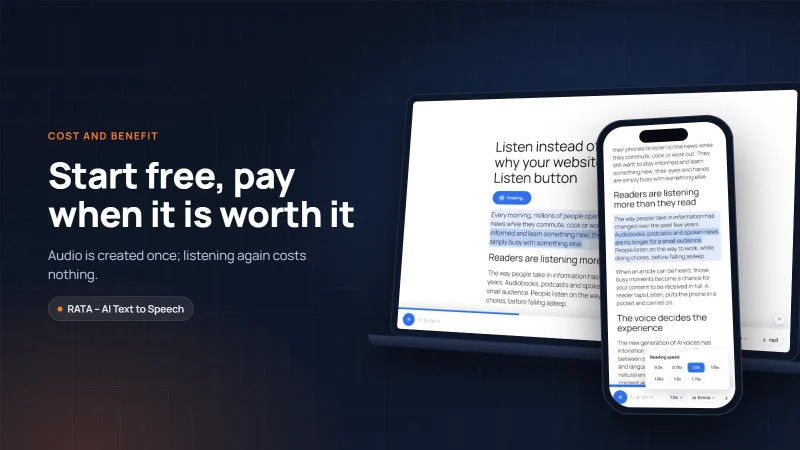
No. Highlighting the sentence being read is a feature of the paid version of RATA, from the Blogger plan. The free version still includes the Listen button, speed control and a time bar to seek.
Question 3. Can a Listen button replace screen reader software for blind users?
No. Blind users usually rely on dedicated screen readers. A Listen button is a simpler, complementary option that helps people with low vision, older readers and busy people.
Question 4. Can readers listen to an article that has no AI audio yet?
Yes. When an article has no AI audio yet, RATA reads it with the voice built into the visitor’s browser, so the Listen button always works.
“Vbee” and “Vbee AIVoice” are trademarks of Vbee AITalk. RATA is independent software developed by Fox40.