You have probably heard a text read aloud by a machine: a flat voice like someone reading out a phone number, pauses in the middle of a sentence, a company name turned into an odd string of sounds. A few sentences in, you want to switch it off. That is why many people think listening to articles on a website is a nice extra at best. But when the voice is natural enough, everything changes. This article looks at what makes an AI voice sound human, and why it decides whether listeners stay or leave.
Why robotic voices make listeners leave
Our ears are very sensitive to awkwardness. When we listen to someone tell a story, we do not only hear the words; we hear the melody: where the voice rises, where it slows down, where it pauses so we can follow. Older machine voices lack all of that. Every sentence has the same rhythm and every word the same weight.
Names, abbreviations, numbers and units make it harder still. Read mechanically, they become sounds that are hard to understand. The listener has to work to guess, and when listening takes effort, people tire quickly.
The result is that listeners tap stop within a minute. The Listen button is on the page, but almost nobody uses it.
What a natural AI voice does differently
Natural AI voices are built from models that learn from the voices of real readers. That gives them intonation: they rise and fall with questions, statements and exclamations. They pause at commas, stop a little longer at full stops, and read long sentences without sounding out of breath.
The second difference is familiarity. Listeners feel at home with an accent close to their own. A good AI voice service offers several accents, male and female voices, warm low voices for in depth content and brighter voices for lighter topics.
The third difference is consistency. A human reader recording ten articles will have tired moments and rushed ones. An AI voice reads the hundredth article as clearly as the first. For a website with many articles, that is a real advantage.
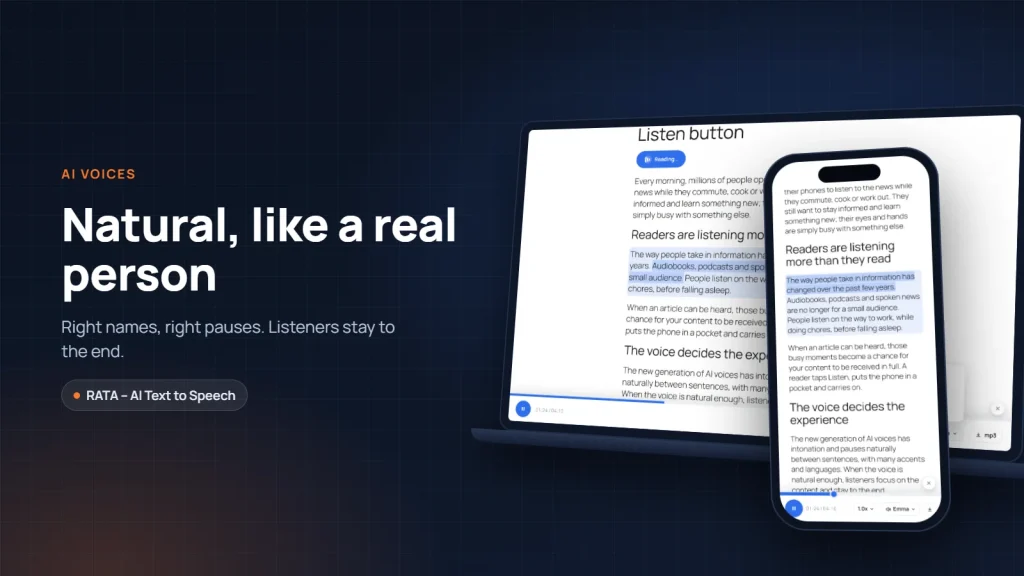
Put together, these qualities make listeners forget that they are hearing a machine. They focus on the content, and they listen to the end.
A source of natural voices for your website
Vbee AIVoice is a text to speech service with natural voices in Vietnamese, including northern, central and southern accents, as well as English and many other languages. The RATA – AI Text to Speech plugin uses Vbee voices to read articles on WordPress websites, through your own Vbee account. You can listen to the voices on the Vbee site before choosing.
Small details that make an article sound real
A good voice is only half the story. The other half is how the article is prepared before it is read. RATA takes care of three details that listeners notice immediately, even if they cannot say why.
The first detail is reading names, abbreviations and terms correctly. Every website has its own words: brand names, product names, industry terms. With the pronunciation dictionary, you teach RATA once how a word should be said, and every article after that reads it correctly. Your company name will always be pronounced properly, never spelled out letter by letter.
The second detail is how tables, diagrams and images are handled. A ten row price table read cell by cell becomes a stream of numbers nobody can follow. Instead, RATA reads a short lead in sentence, such as “the detailed price table is just below, please take a look”. Listeners know the table is there without being bothered by scattered figures. The free version uses a default sentence; from the Blogger plan, you write your own sentences in your brand’s voice.
The third detail is rhythm. Headings and each item in a list are followed by a short pause, so listeners notice when the article moves on to a new point, just as a human reader pauses to turn a page.
You can set up the dictionary and lead in sentences by following Pronunciation dictionary and sentences read instead of tables and images.
Choose a voice that suits your listeners
There is no single best voice for every website. The right voice is the one closest to your listeners.
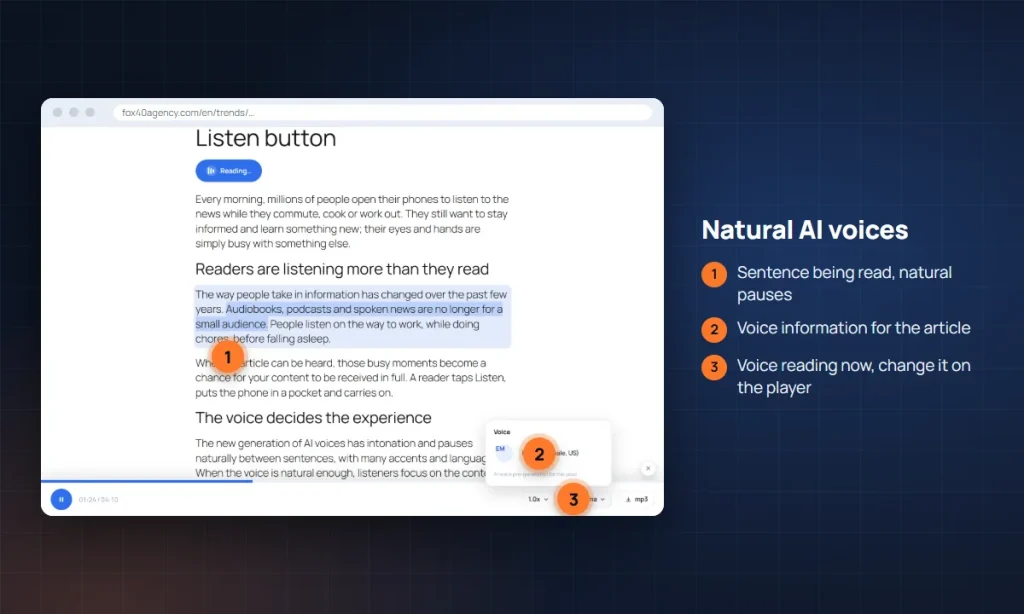
If your customers are mostly in one region, a familiar local accent builds closeness. If you publish specialist content such as healthcare, finance or law, a calm, clear voice helps listeners trust what they hear. If your content is about lifestyle or practical tips, a brighter voice with a slightly faster pace may suit it better.
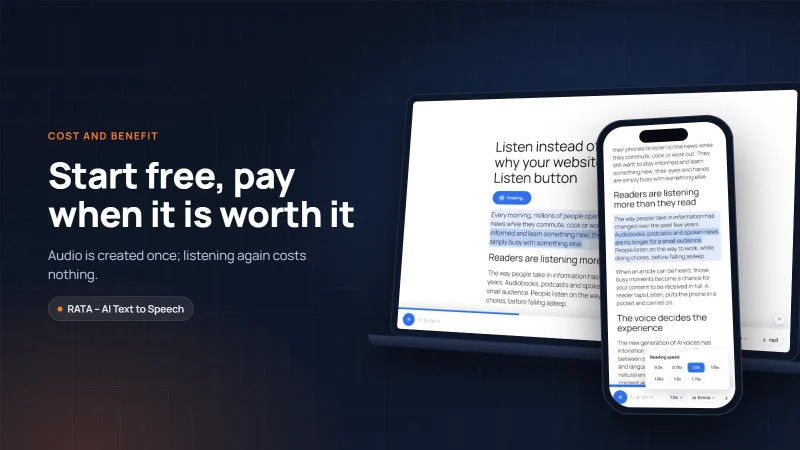
RATA lets you select several voices, set one as the default, and pick a different voice when creating the audio for a particular article. Listeners can also adjust the reading speed to their liking.
Test voices the way a listener would
The best way to choose a voice is to test it with your own content, not a sample sentence. Take a one minute passage from a real article that includes the tricky parts: your company name, a few numbers, a question, an abbreviation. Create audio with two or three different voices, then listen on a phone, exactly as your readers will.
While listening, pay attention to three things. Does the voice read names and numbers correctly; if not, the pronunciation dictionary can fix it. Does it pause naturally at commas and at the end of sentences. And most importantly, after one minute, do you want to keep listening.
If you can, ask a few real readers to listen too, especially older readers or people from another region. Their feedback is often more accurate than the writer’s impression, because writers know their own content too well. A voice that readers find pleasant will keep them longer than any other feature.
Conclusion
A Listen button only has value when people want to listen to the end. A natural AI voice that pronounces names correctly and pauses in the right places turns the Listen button from a decorative feature into a real way of taking in content. If you would like to try it, download the free version of RATA and connect it to your Vbee account. In the next article we look at it from the listener’s side: how a Listen button helps older readers, people who struggle to read and busy people.
Frequently asked questions
Question 1. Do AI voices pronounce names and abbreviations correctly?
In most cases, yes. For special words such as brand names or abbreviations, add them to the pronunciation dictionary to make sure they are read correctly.
Question 2. Which voices can I choose from?
Vbee offers Vietnamese voices with three regional accents, male and female voices, and many other languages including English. You listen and choose in the RATA settings after connecting your Vbee account, as described in Connect Vbee and choose voices.
Question 3. How are tables and images handled when an article is read?
RATA does not read table cells or image captions one by one. Instead, a short lead in sentence is read so listeners know there is information to look at. The free version uses a default sentence; from the Blogger plan, you write your own.
Question 4. Can one website use several voices?
Yes. You select several voices, set a default, and choose another voice when creating the audio for a particular article. The Business plan adds automatic rotation between voices.
Links to Vbee in this article carry RATA’s referral code; RATA may earn a commission at no extra cost to you. “Vbee” and “Vbee AIVoice” are trademarks of Vbee AITalk. RATA is independent software developed by Fox40.