Every morning, millions of people open their phones to listen to the news while they commute, cook or work out. They still want to stay informed and learn something new; their eyes and hands are simply busy with something else. Meanwhile, most business websites offer only one way to take in their content: sit down and read. This article is about a small change with real weight, adding a Listen button so readers can hear your articles in a natural voice, and why 2026 is the time to do it.
Readers are listening more than they read
The way people take in information has changed over the past few years. Audiobooks, podcasts and spoken news are no longer for a small audience. People listen on the way to work, while doing chores, before falling asleep. What these moments have in common is that the listener cannot look at a screen, yet is still happy to spend time on good content.
An article on your website, however carefully written, only reaches readers who have time to sit and read. If it runs to two thousand words, many people save it “for later” and never come back. When the article can be heard, those busy moments become a chance for your content to be received in full.
So the demand for text to speech for websites does not only come from video makers or audiobook producers. It comes from your own readers, people who would like to hear the page right where it is, without installing another app.
What a Listen button gives your readers
The first benefit is convenience. A reader taps Listen, puts the phone in a pocket and carries on with what they were doing. They can choose a reading speed that suits them, drag the time bar back to a part they missed, or pause whenever they need to.
The second benefit is comfort for the eyes. Reading small text on a phone for a long time is tiring. For older readers, people with weaker eyesight, or anyone who is not used to long passages of text, listening is a far more natural way in.
The third benefit is that nobody is left behind. A website that people who struggle to read can still use shows that the business respects every reader, not only those with time and good eyesight.
What a Listen button gives you as a content maker
For the people behind the content, the most valuable result is that readers stay longer. Someone who listens to a five minute article has given you five full minutes, far more than a quick skim before leaving. Time on page is one of the signals that content is useful, and it is something every site owner wants to improve.
The second gain is a new way to reach readers with the same article. You do not write more, shoot a video or hire a voice actor. What you have already written is reused as a listening version.
The third gain is brand image. A website with its own reading voice feels polished and modern, the way a major newspaper feels once it offers an audio edition.
The voice decides the experience
Not every Listen button keeps people listening. Many have tried the built in reading tools on their computers and quickly switched them off: a flat, monotonous voice, pauses in the wrong places, names read as strange strings of sounds. A few sentences in, it is already tiring.
The new generation of AI voices is different. They have intonation, they pause naturally between sentences, and they come in many accents and languages so listeners hear something familiar. When the voice is natural enough, listeners forget that a machine is reading and focus on the content. That is what makes them stay to the end.
Vbee AIVoice is one of the services offering natural AI voices, in Vietnamese with three regional accents as well as English and many other languages. We look at natural voices more closely in Natural AI voices that sound human.
Is adding a Listen button to a WordPress site hard
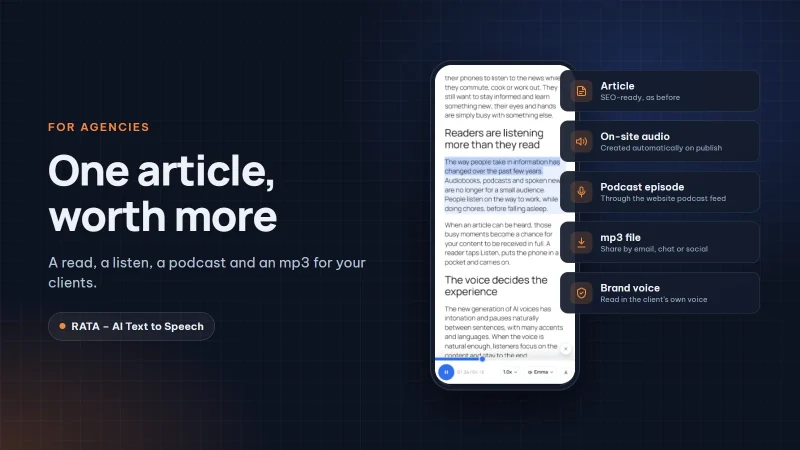
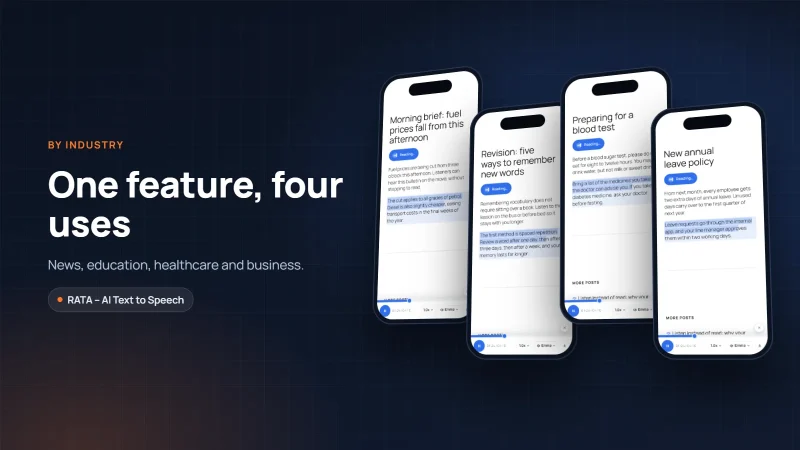
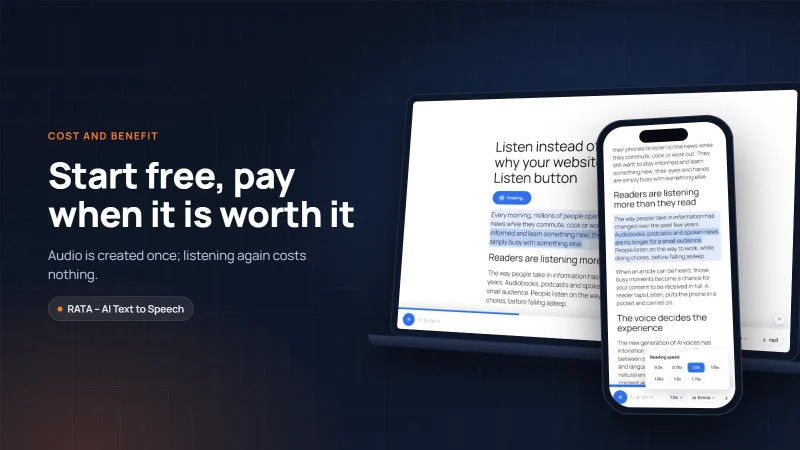
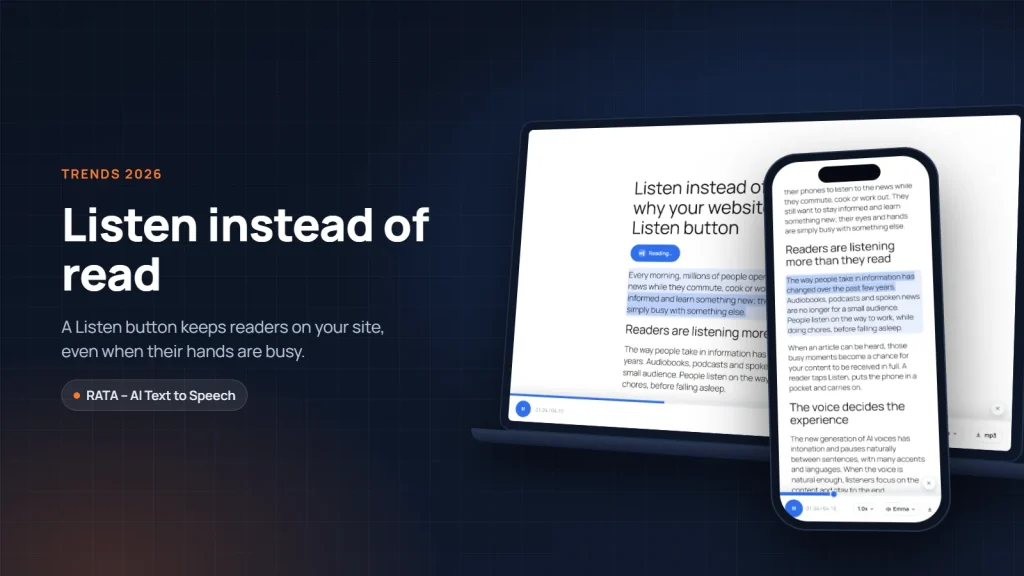
On WordPress it is easier than you might think. RATA – AI Text to Speech is a plugin built by Fox40 that adds a compact player at the top of your articles. Readers tap Listen, drag to seek, change the speed, and see which voice is reading.
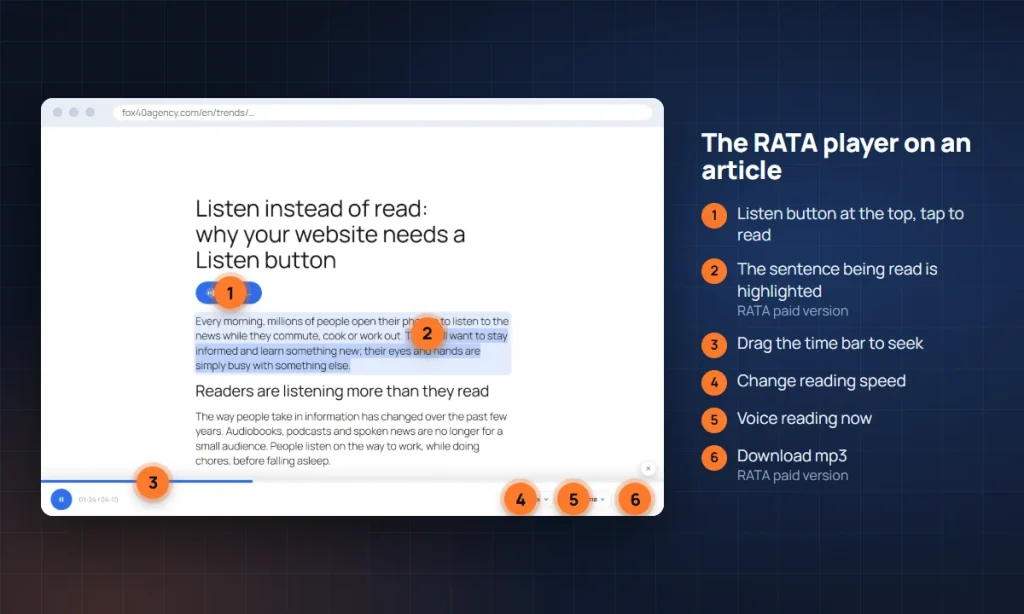
You have two voice options. The first is the voice already built into the visitor’s browser: it works the moment you switch it on, needs no account and costs nothing, which makes it ideal for testing how readers respond. The second is a natural AI voice from Vbee, created with your own Vbee account. The audio is created once, stored on your website and played instantly for every reader after that.
One small but thoughtful detail: when you edit an article, RATA reads again only the paragraphs you changed, not the whole article. You can keep your content up to date without worrying about the cost growing.
If you want to start right away, the guide Getting started with RATA: install and turn on the Listen button walks through each step in a few minutes.
Three questions to answer before adding a Listen button
The first question is who your readers are. If most of them visit on a phone, if many of them are older, or if your articles are long and full of knowledge, a Listen button will almost certainly be used. Open your analytics and look at the share of mobile visitors and how long they stay on each article. Those numbers give you a baseline to compare against later.
The second question is which articles should get audio first. There is no need to start with your whole archive. Choose the most read articles, the long guides and the stories about your brand. That is where readers spend the most time, and where a natural voice makes the strongest impression.
The third question is how you will measure the result. After a few weeks, compare time on page for the articles with a Listen button against before. With the paid version of RATA you can also see listens per article, so you know which content is heard most and where to invest next. Those figures let you expand on evidence rather than guesswork.
Once you can answer these three questions, a Listen button stops being decoration and becomes part of how you serve your readers.
Conclusion
Listening instead of reading is not a passing fad; it is how readers live now, busier, more on the move, and expecting content to come with them. A Listen button with a natural voice helps your website keep up with that habit, serve older and busy readers alike, and keep visitors longer. You can download the free version of RATA from WordPress.org and try it on your own site. In the next article we look at what makes an AI voice sound truly human.
Frequently asked questions
Question 1. Will a Listen button slow down my website?
Not noticeably. The RATA player is lightweight, and the audio only loads when a reader taps Listen. If nobody taps it, the page loads as usual.
Question 2. Do readers need to install an app or create an account?
No. Readers just tap Listen on the article. Everything runs in the browser, on both computers and phones.
Question 3. Do I need a Vbee account to get started?
Not necessarily. You can start with the browser’s built in voice, completely free. When you want a more natural AI voice, create a Vbee account and connect it by following Connect Vbee and choose voices.
Question 4. Can I show the Listen button on some articles only?
Yes. You choose which post types, categories or pages get the player, and you can turn it off for individual articles. See Player display: position, post types, categories.
Links to Vbee in this article carry RATA’s referral code; RATA may earn a commission at no extra cost to you. “Vbee” and “Vbee AIVoice” are trademarks of Vbee AITalk. RATA is independent software developed by Fox40.